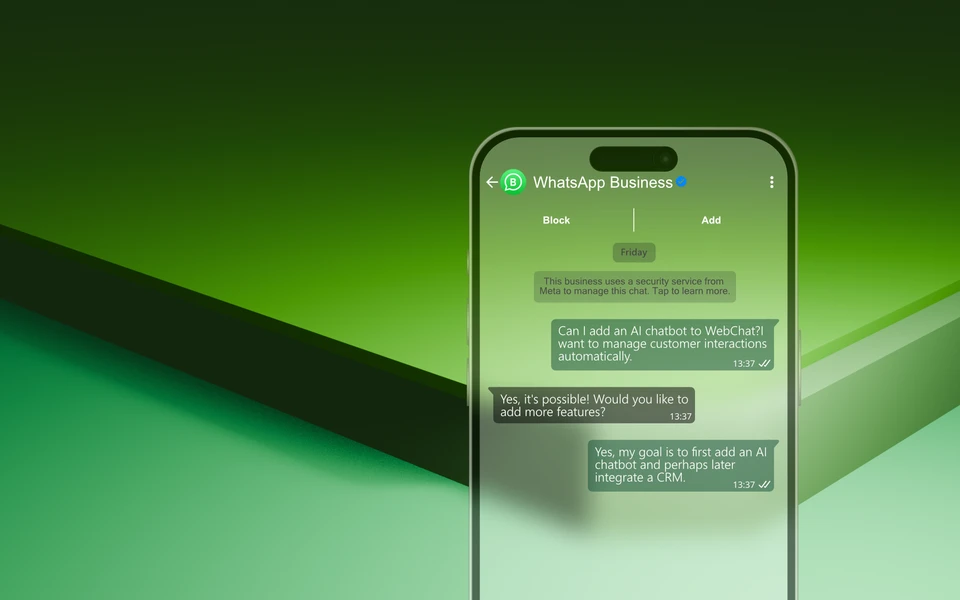
All WhatsApp messages from your customers flow centrally into Microsoft Teams. Your team sees and processes the requests like normal Teams chats, without a separate WhatsApp account or additional software. Everything stays in one system, the overview is maintained and nobody has to switch between apps.
Truly native in Microsoft Teams—not just embedded
Inquiries are routed to the correct channel—and responses are provided directly from the thread
Truly native in Microsoft Teams — not just a menu item with someone else's interface
Many providers merely add an entry to the Microsoft Teams sidebar and show their own interface behind it — an external system, framed inside Microsoft Teams. WebChat works with the conversations themselves: every request lands in the right Microsoft Teams channel, and your reply goes straight from the channel thread back to the customer.
Embedded tool vs. native conversation

Conversation in the channel
Every request appears as a post in the right Microsoft Teams channel — not in some external inbox. Intelligent routing automatically brings it to the right department.

Reply in the thread
You reply with @webchat right in the channel thread. The answer goes back in real time to WhatsApp, Instagram, TikTok or the website chat.

No second interface
No embedded tool, no second login. Identities, permissions and roles come entirely from Microsoft Teams and Microsoft Entra ID.
What an embedded tool can't do
| Embedded tool | WebChat | |
|---|---|---|
| Visible in Microsoft Teams as | Menu item / tab | Native channels |
| Incoming message appears | in the external interface | in the Microsoft Teams channel |
| You send the reply | in the external tool | in the channel thread |
| Reply goes back into the incoming channel | ||
| Intelligent routing to the right department | ||
| Identity & permissions from Microsoft Entra ID | ||
| Human & AI in the same thread (human-in-the-loop) | ||
| No second inbox, no second login |
One conversation — one path, back into the incoming channel
Customer writes
Message via WhatsApp, Instagram, TikTok or website chat.
→
Right Microsoft Teams channel
Routing places the request as a post in the matching channel.
→
JS
Reply in the thread
A human or AI replies with @webchat right in the channel.
→
Back to the customer
The answer goes back into the incoming channel in real time.
your chat, your team, your decision
See for yourself how a conversation lands in the right Microsoft Teams channel and goes back to the customer. 7-day POC with 25 channels, no SaaS contract.